
Hey everyone
I recently started using SoundID Reference with the new Apollo Twin X integration, and I’m running into some issues.
I was mixing and mastering a project on headphones connected to my Apollo Twin X. My first question is: Does SoundID calibration apply to headphones when using the Apollo integration? I assumed calibration only worked on my monitors, but I want to be sure.
After finishing my mix, I exported a version I was really happy with. But when I listened to it in my car, it sounded completely off—zero low-end, strange phasing in the lead vocals, and an exaggerated high-mid focus.
Back on my MacBook, I started troubleshooting. Eventually, I tried disabling SoundID Reference in my Apollo Twin X UAD Console, then exported from Cubase while SoundID was off. The new export sounded correct.
If SoundID is running systemwide AND the UAD Console integration is also enabled, does this mean calibration is being applied twice? If so, could this be the reason my exports sound different from what I hear in my DAW?
My main questions:
1. Do I need to turn off SoundID calibration in UAD Console every time I export?
I thought SoundID in UAD Console only affected monitoring, not the actual export.
2. Could my export have been affected by how I was monitoring, even though SoundID wasn’t a plugin on my master track?
3. Which audio output should I choose on my MacBook when using SoundID inside Apollo?
When I select Universal Audio (Apollo Twin X) as my MacBook’s output, my export sounds correct.
When I select SoundID Reference Audio Device, the export sounds weird again.
I’m confused about what’s happening and how to properly set up my system. Any insights would be greatly appreciated
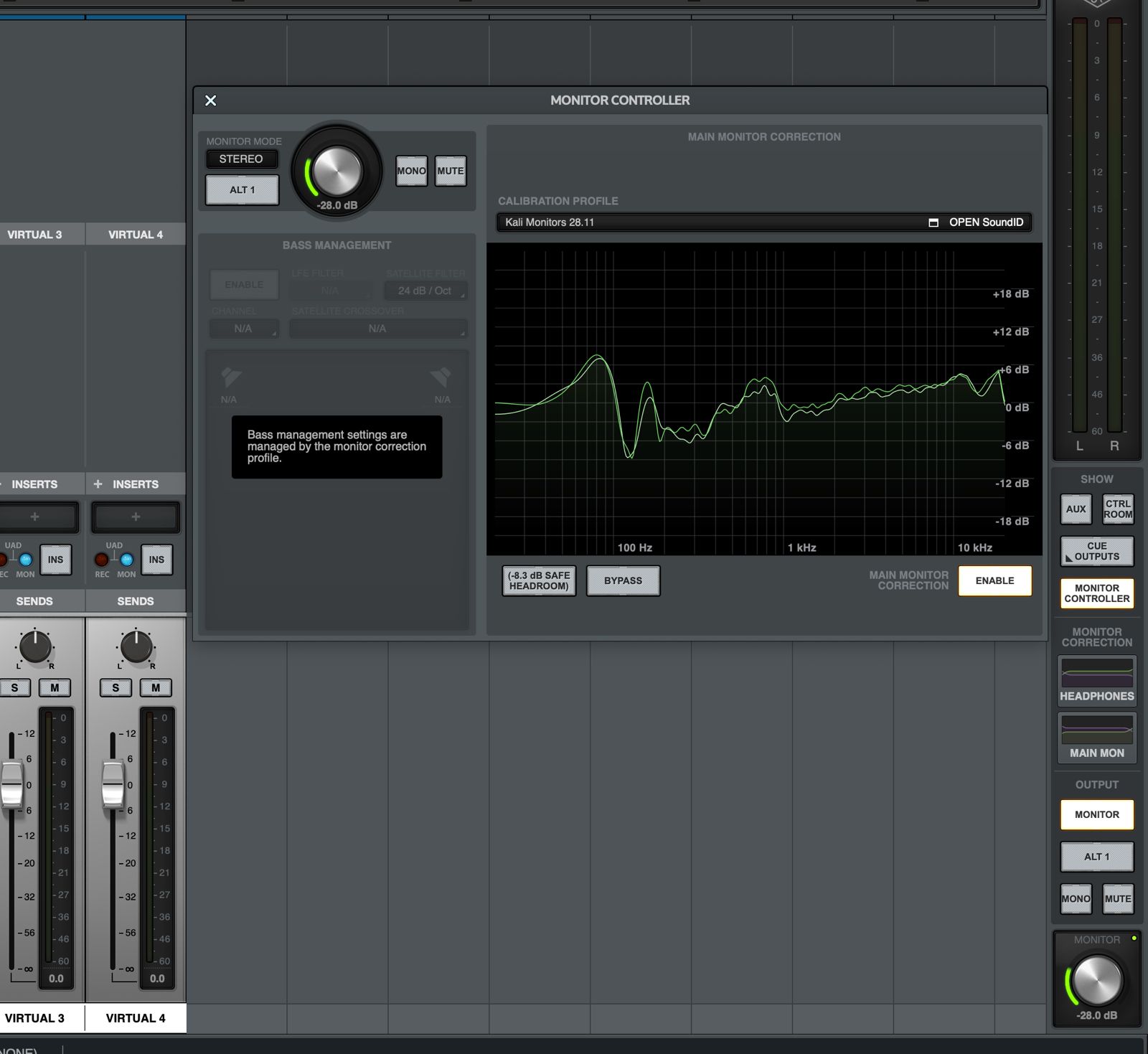
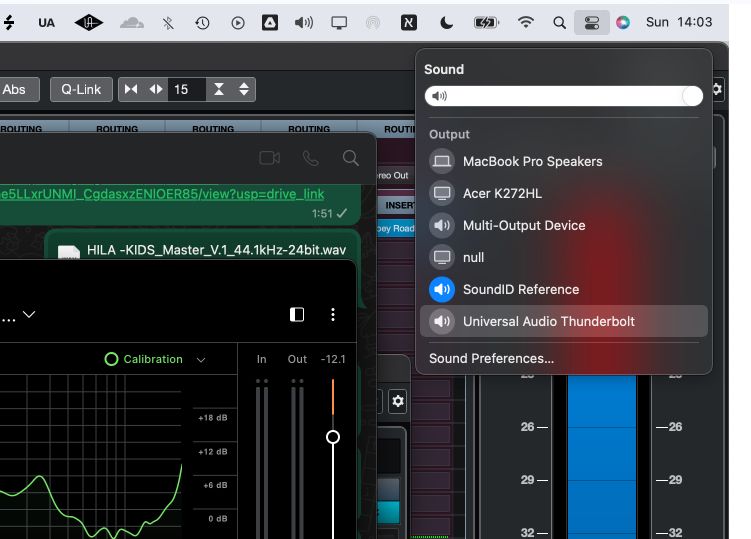
1 comment
je pense que tu dois choisir en sortie audio de ton ordinateur: universal audio.
pour ma part (sur mac) j'ai configuré les sorties virtuelles pour l'ordinateur (sorties virtuelles qui repartent dans le bus master et donc par soundID pour l'écoute)