When I select Apollo Speakers, it won't let me adjust dry/wet or any other settings…. greyed out / unresponsive.

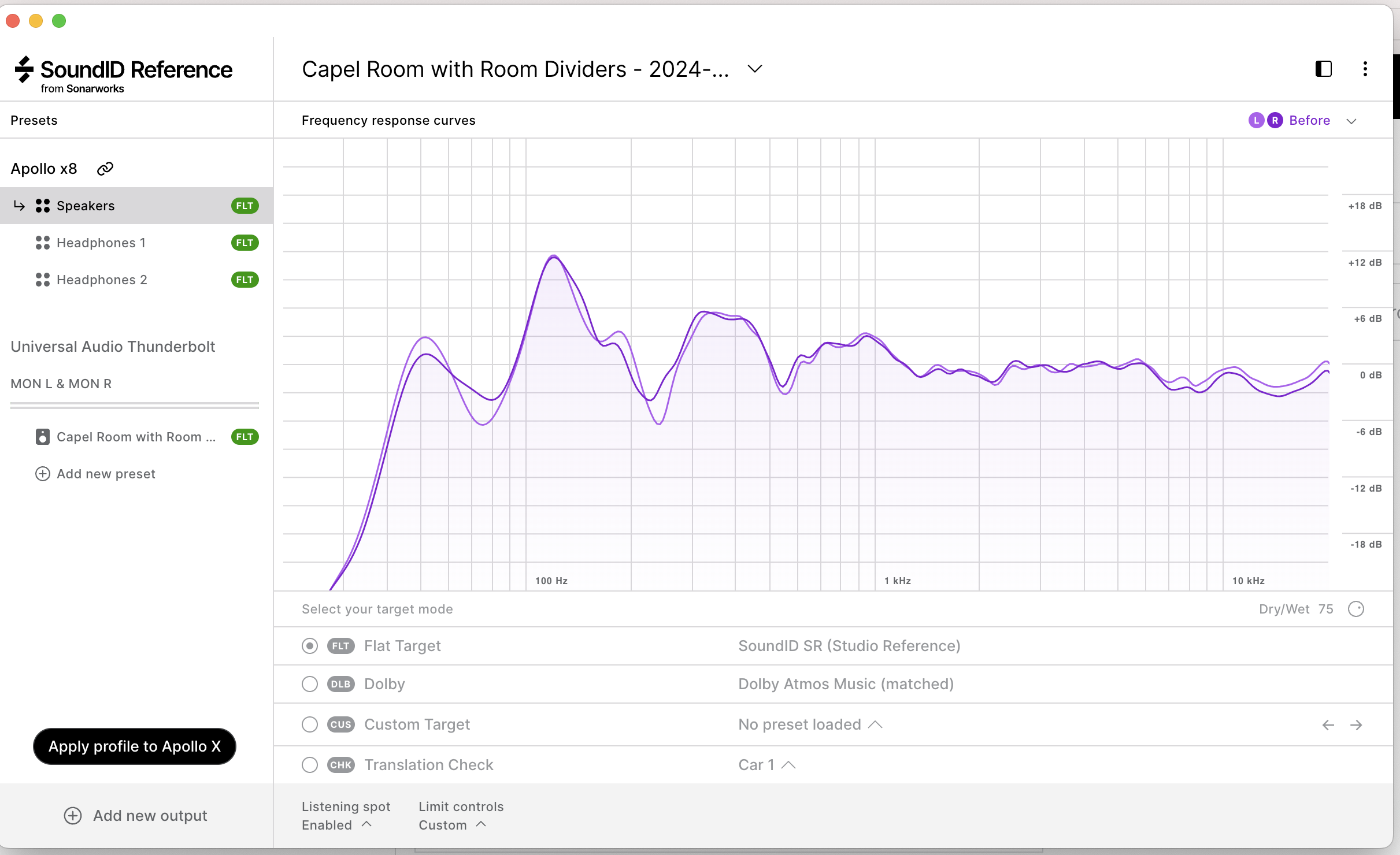
5 comments
Have the same issue since today, but with Headphones. Can't find the solution. Yesterday everything worked fine.
Did you fix the problem?
I've got the same problem since this morning !
It was working properly yesterday
Any solution ?!!
Hi all, thanks for posting and commenting!
This is a known issue. It was considered an extremely rare edge case problem, although it now seems it might be more common than we thought. We have notified the Development Team about it, and we will have a closer look at the issue.
Meanwhile, can easily resolve this by clearing the standalone app config files, see here: Clearing the standalone app configuration
Let us know if this resolves it, thank you!
Hello Kārlis.
Thank you for fast response. I went through the process, it solved the issue. Also the SoundID app behaves more snappy and responsive now.
I had exactly the same issue. Clearing the standalone app config files also fixed it for me.